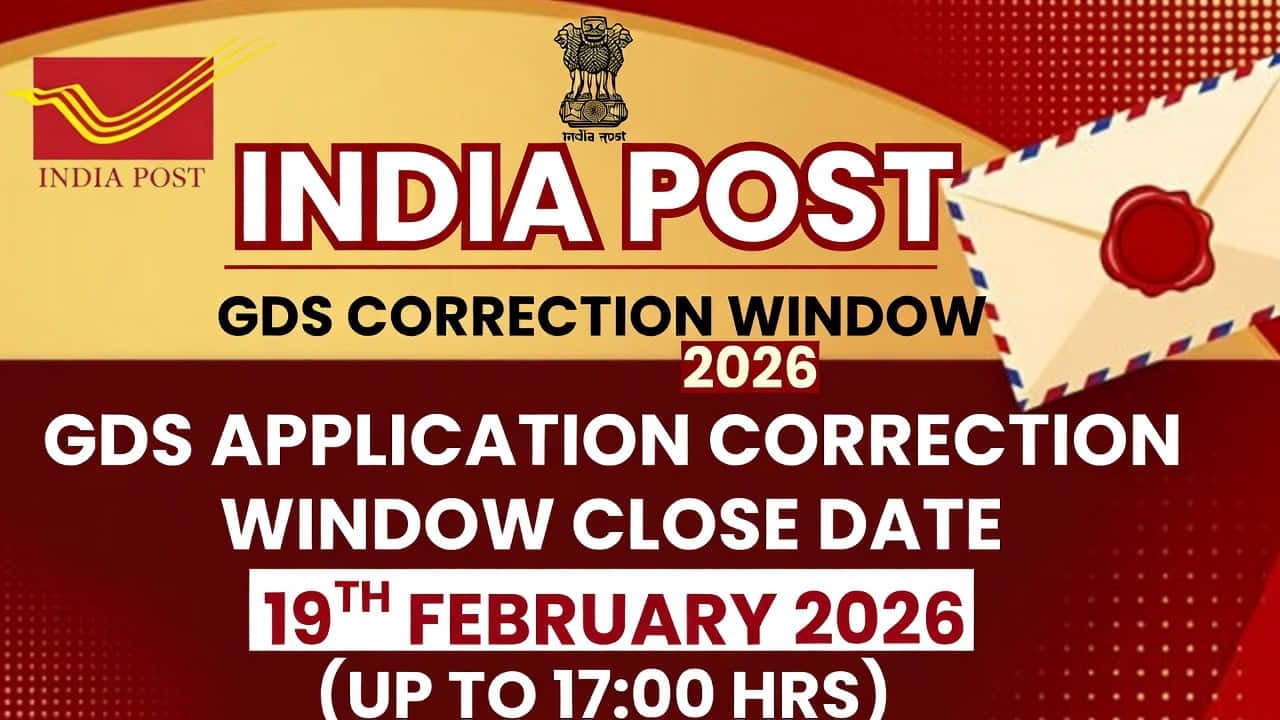
India Post GDS Correction Window 2026 Active: Direct Link to Edit Application Form @indiapostgdsonline.gov.in
Rectify Your Gramin Dak Sevak (GDS) Application Errors – Correction Window Open for 48 Hours Only
The Department of Posts (India Post) has officially activated the India Post GDS Correction Window 2026 for the Gramin Dak Sevak (GDS) Schedule-I recruitment. Following the conclusion of the online application process on February 16, 2026, candidates who discovered mistakes in their submitted forms can now modify and rectify them.
This facility is exclusively available for candidates who successfully submitted their applications for the posts of Branch Postmaster (BPM), Assistant Branch Postmaster (ABPM), and Dak Sevaks. The window is strictly time-bound, closing on February 19, 2026 (5:00 PM).
India Post GDS Recruitment 2026: Important Correction Dates
Candidates must act swiftly within this 48-hour window. Below is the official timeline for the correction process:
Event
Date & Time
Correction Window Open Date
18th February 2026
Correction Window Close Date
19th February 2026 (17:00 Hrs)
Merit List Release Date
To be Announced
🛠️ What Can and Cannot be Changed in GDS Form 2026?
While the correction window allows for significant edits, not all fields are modifiable. Review the lists below carefully:
✅ Editable Fields
Things you CAN change:
Candidate’s Name
Father’s & Mother’s Name
Date of Birth (DOB)
Educational Qualification Marks (Class 10th)
Category (SC/ST/OBC/EWS/UR)
Post Preferences
Choice of Circle/Division
Present & Permanent Address
Physical Disability (PwBD) Status
Uploaded Documents (Photo/Signature)
❌ Restricted Fields
Things you CANNOT change:
Registered Mobile Number This is linked to your OTR and OTP verification.
Registered Email ID Used for all official future correspondence.
Warning: Ensure all other details are 100% accurate. Once this window closes, no further corrections will be allowed.
📝 Step-by-Step Guide: How to Edit India Post GDS Application 2026
Follow these precise steps to ensure your modifications are saved correctly before the deadline:
1
Visit Official Portal: Go to the official India Post GDS engagement website at indiapostgdsonline.gov.in.
2
Click Correction Link: Locate and click the link titled “Correction/Edit Window for GDS Online Engagement Schedule-I January-2026” found on the homepage.
3
Authentication: Login to your dashboard by entering your Registration Number, Date of Birth, and the Captcha code.
4
Modify Data: Your submitted form will be displayed. You can now update the permitted fields (Name, Category, DOB, Marks, etc.) with the correct information.
5
Review Changes: Thoroughly double-check every entry. Note: Once resubmitted, the previous data becomes null and void, and merit ranking will be based strictly on this revised data.
6
Submit & Confirm: Click the Final Submit button. You may be required to verify your action via an OTP sent to your registered mobile number.
7
Print Receipt: Download and save the updated PDF. Take a printout of the corrected GDS application form for future verification purposes.
💡 Pro Tip: Ensure your internet connection is stable. If you initiate an edit but do not “Final Submit,” the system will revert to your original (incorrect) application.
Fee Adjustment:
If you change your category from a fee-exempt category (such as SC, ST, or Female) to a non-exempt category (such as UR or OBC Male), you will be required to pay the application fee of ₹100 online to successfully submit the modified form.
•
No Refunds:
If a candidate has already paid the application fee during the initial submission and later updates their details to fall under a fee-exempt category during the correction window, the fee already paid will not be refunded.
•
Incomplete Modification:
Simply editing the fields is not enough. If you start the correction process but fail to click ‘Final Submit’ before the window closes, your changes will be discarded. In such cases, your original application will remain active for the merit list.
Pro Tip: Always download the revised acknowledgment receipt after resubmission to confirm that your changes have been saved.
With over 11 years of experience, Dhrubajyoti Haloi specializes in writing about job vacancies in the government sector of India. His articles provide valuable insights and timely updates on job opportunities across various government departments. Haloi's expertise helps job seekers stay informed about the latest recruitment processes, application procedures, and eligibility criteria.

 Follow Our Whatsapp Channel
 Follow our Telegram Channel
 Follow us on Twitter (X)
 Join Us on LinkedIn